

The survey builder
Static Surveys are built in three steps and Agent Surveys in two, sharing the same Send step.
Both kinds of survey are built in the same place, but they do not have the same steps. The strip across the top of the builder shows which track you are on:
- Static Survey — Setup → Questions → Send
- Agent Survey — Design → Send
An Agent Survey uses Design instead of Setup and Questions. Prepare its goal and review the editable opening prompt, topics, and boundaries there.
Setup — Static only
Section titled “Setup — Static only”Title, audience, estimated minutes, anonymous responses, and whether partial submissions are allowed. See Create a Static Survey.
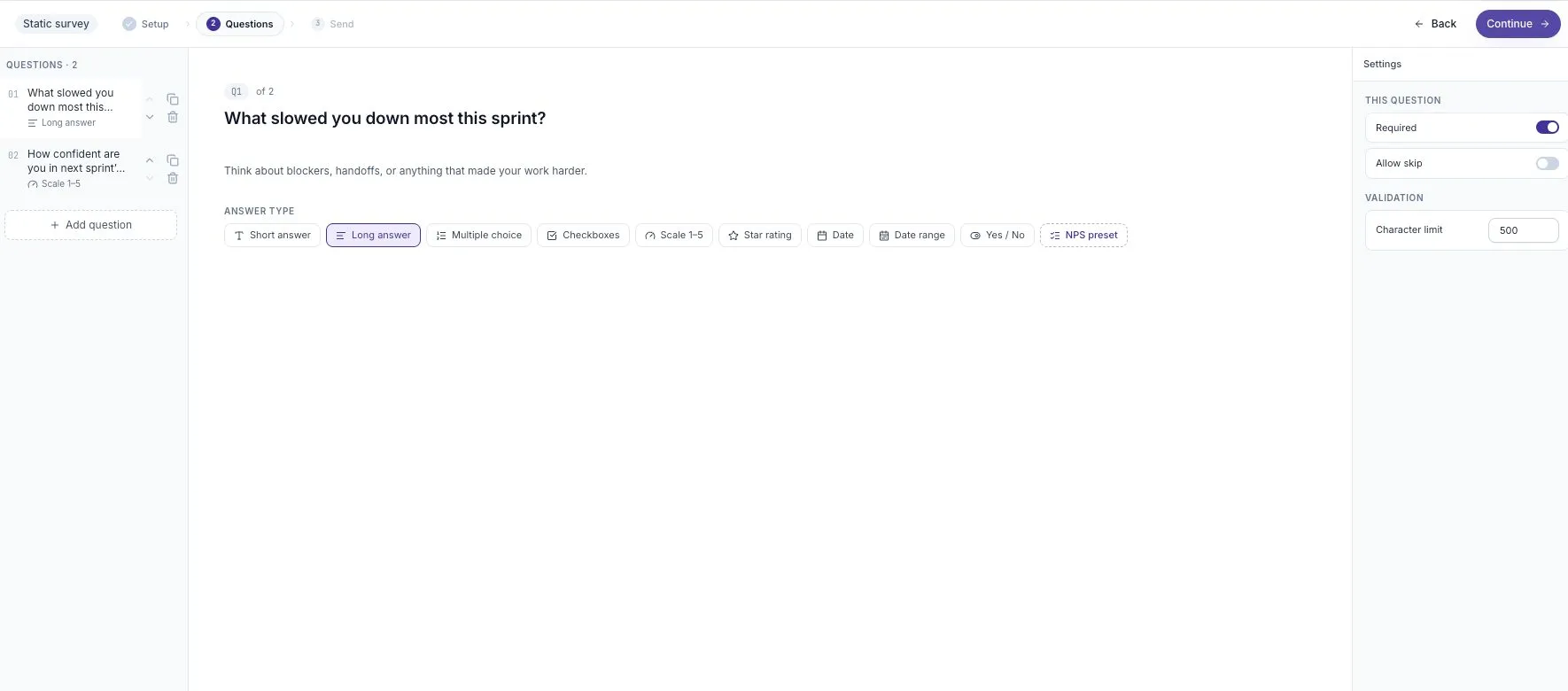
Questions — Static only
Section titled “Questions — Static only”The question editor: add questions, pick answer types, reorder. See Question types.
Design — Agent only
Section titled “Design — Agent only”A live conversation with the AI that assembles your Agent Survey Brief as it goes. There is no separate questions step: the agent generates questions per participant from Coverage, so there is nothing to author. See Create an Agent Survey.
One surface with two states.
Before publishing it’s a review: an overview of the survey plus a readout of every question, or every topic for an Agent Survey. This is the last look before anyone sees it.
After publishing the same screen becomes the live share surface:
- the entry link and its QR code
- email invites
- scheduling
- the embed snippet
Publishing happens in place. There’s no separate published-survey screen and no share dialog to find afterwards — the step you published from becomes the place you share from. See Distribution.
Review before publishing
Section titled “Review before publishing”The Send step lists the questions and key settings before publication. After publishing, the sharing surface includes a participant preview. Read it to check the title, question wording, and branding.
Published questions are locked. Use Survey actions → Duplicate survey to create an editable draft when you need to change the question set. See Manage a survey’s lifecycle.
A note on old links
Section titled “A note on old links”If you have a bookmark to a survey’s /preview or /publish page from an earlier version, it will take you to the builder. Both are now steps within it rather than separate pages.