

Moods and temperature checks
The one-tap 1–5 check that runs alongside a retro, what it measures, and why it is only ever reported as an average.
The temperature check asks How did this sprint feel? Each person chooses a value from 1 to 5. It adds context to the retro without requiring a separate survey.
Answer the check
Section titled “Answer the check”The strip appears during Feedback on a guided board, or on an active Live board, until you answer.
| Value | Label |
|---|---|
| 1 | Rough |
| 2 | Meh |
| 3 | Okay |
| 4 | Good |
| 5 | Great |
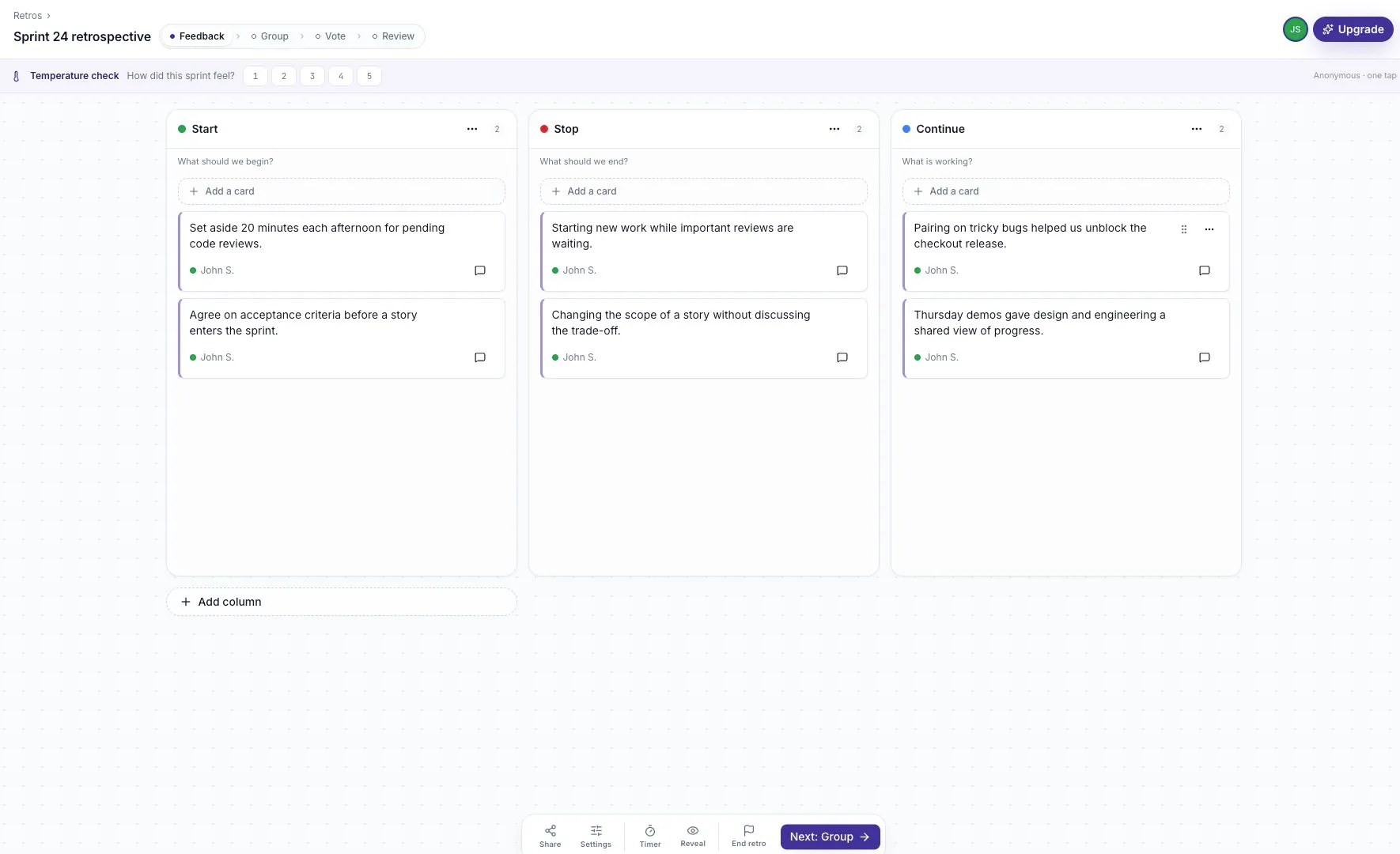
After answering, the strip closes and a thermometer indicator shows the current average. Its hover text includes the number of responses.
Read the result
Section titled “Read the result”The board and closed summary show an average and count, not a list of individual scores. A session with no answers shows an em dash instead of zero.
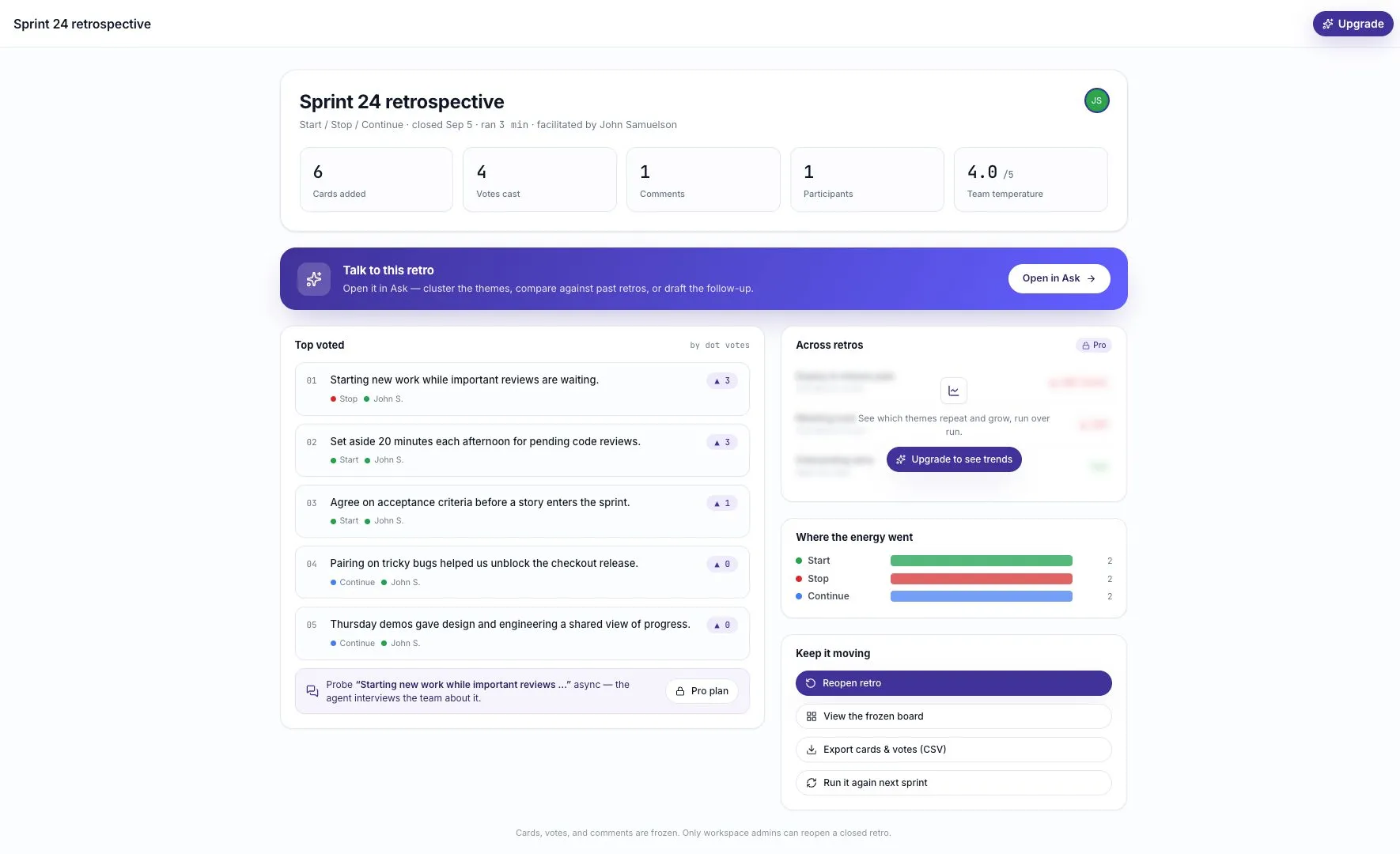
Check the count before drawing a conclusion. An average from three people gives less coverage of a ten-person team than an average from all ten.
Use it to start a conversation
Section titled “Use it to start a conversation”A number cannot explain why the sprint felt that way. Read the cards and invite the group to discuss what helped or made work harder.
Do not ask people to reveal their score or use the average as a performance target. In a small group, even aggregate results deserve care because people may infer who answered.
Look for changes across several sessions, but also check whether the participants, workload, or format changed. Treat the temperature as context for a conversation, not a diagnosis of team health.