

Roles and permissions
Choose roles, manage access, and troubleshoot missing permissions.
A role controls what someone can do. A seat controls whether they can enter the workspace. Check both when someone cannot reach a feature.
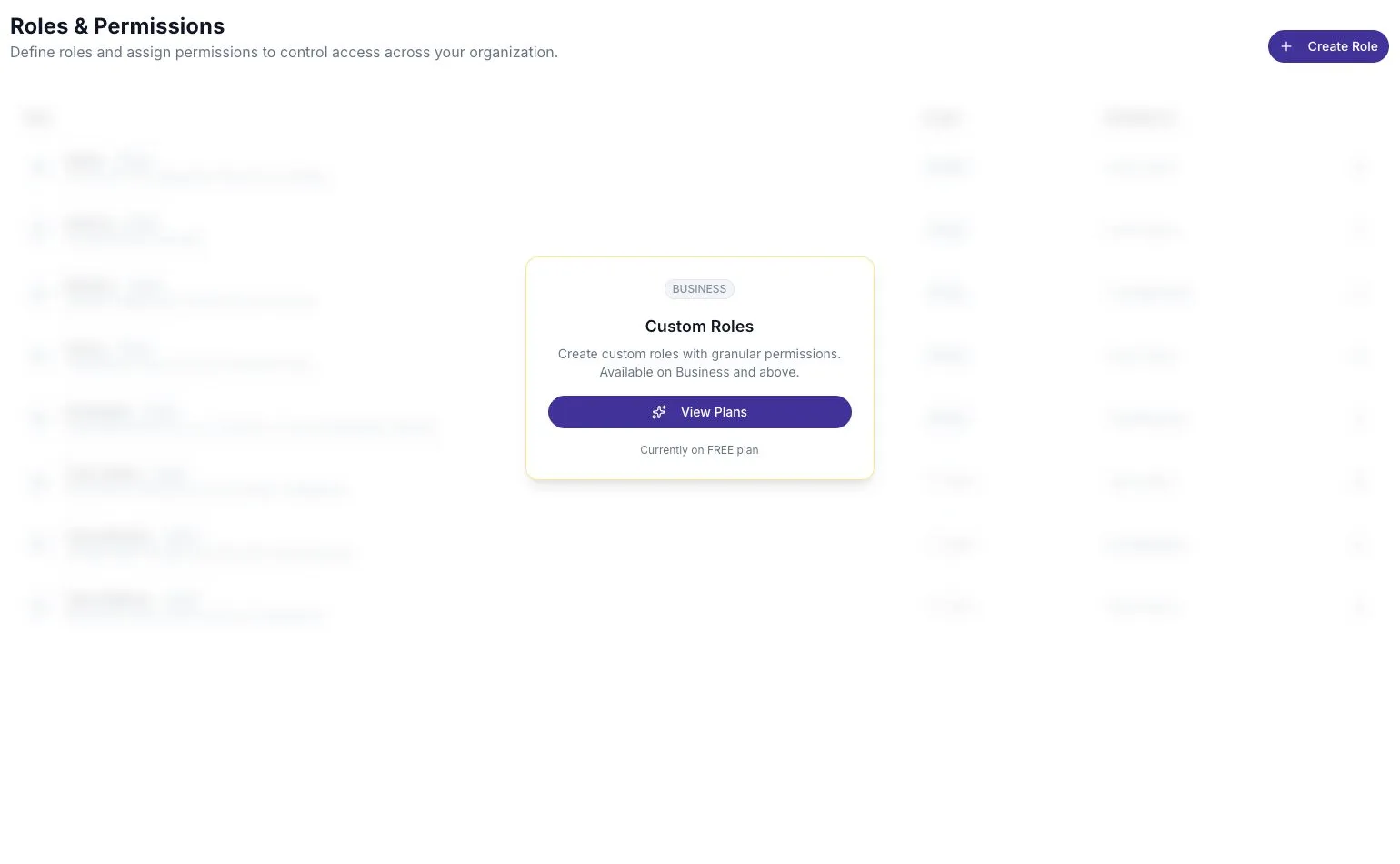
Open Settings → Roles to review the available roles. Workspace administrators can manage access; custom roles require Business or Enterprise.
Understand the built-in roles
Section titled “Understand the built-in roles”| Role | Purpose |
|---|---|
| Owner | Full workspace control, including ownership responsibilities. |
| Admin | Full workspace administration. |
| Member | Everyday workspace work, such as creating boards and reviewing feedback. |
| Participant | Participation-related access. A Participant without a seat cannot enter the workspace. |
| Team Admin | Full control within a team. |
| Team Member | Work on team boards, reports, and actions. |
| Team Watcher | View team reports. |
| Internal | Reserved for the ScatterSpoke team. Do not use it for ordinary team members. |
Built-in roles have a System badge. You can view them, but cannot edit or delete them.
An Organization role applies across the workspace. A Team role applies to one team’s membership. A person’s team role does not make them a workspace administrator.
Change a person’s role
Section titled “Change a person’s role”- Open Settings → Users.
- Find the person and open their details.
- Choose the appropriate workspace role.
- Confirm the change and check the resulting role in the user list.
The user menu also offers admin-role actions where allowed. You cannot change your own role or use this flow to change the workspace owner’s role. Other administrators can have their roles changed by someone with the required permission. If a control is unavailable, ask the workspace owner to review the change.
Create a custom role
Section titled “Create a custom role”Use a custom role when the built-in choices grant too much or too little access.
- Open Settings → Roles and select Create Role.
- Enter a name and a short description of who should use it.
- Choose Organization or Team scope.
- Select the permissions the role needs. At least one is required.
- Save the role, then assign it to the intended people.
For example, an analyst may need to view reports without inviting users or changing billing. Review the permission descriptions in the editor rather than selecting every category.
A permission does not unlock a feature excluded from your plan. If a person has the right role but sees an upgrade prompt, check Plans and tiers.
Edit or delete a custom role
Section titled “Edit or delete a custom role”You can change its name, description, and permissions. Its scope cannot change after creation; create another role if you need a different scope.
Names must be unique within each scope. Before deleting a role, move its users to a suitable replacement. Deleting it removes the permissions it gave them.
Troubleshoot access
Section titled “Troubleshoot access”- Cannot enter the workspace: check that the person has accepted a Seat Holder invitation.
- Cannot find settings: most workspace settings require admin access. Personal security lives under Profile.
- Can view but cannot edit: inspect the person’s role and team membership.
- Sees an upgrade prompt: review the workspace plan, even if the role includes that permission.
See Invite users and seats for invitations and Core concepts for the difference between people, seats, and workspaces.