

Participants, SSO, and verification
Why workspace SSO does not apply to survey participants, and how participant verification proves email ownership instead.
Workspace SSO and survey verification serve different purposes. SSO controls how people sign in to the workspace. Participant verification confirms access to the email address used for a survey response.
What verification tells you
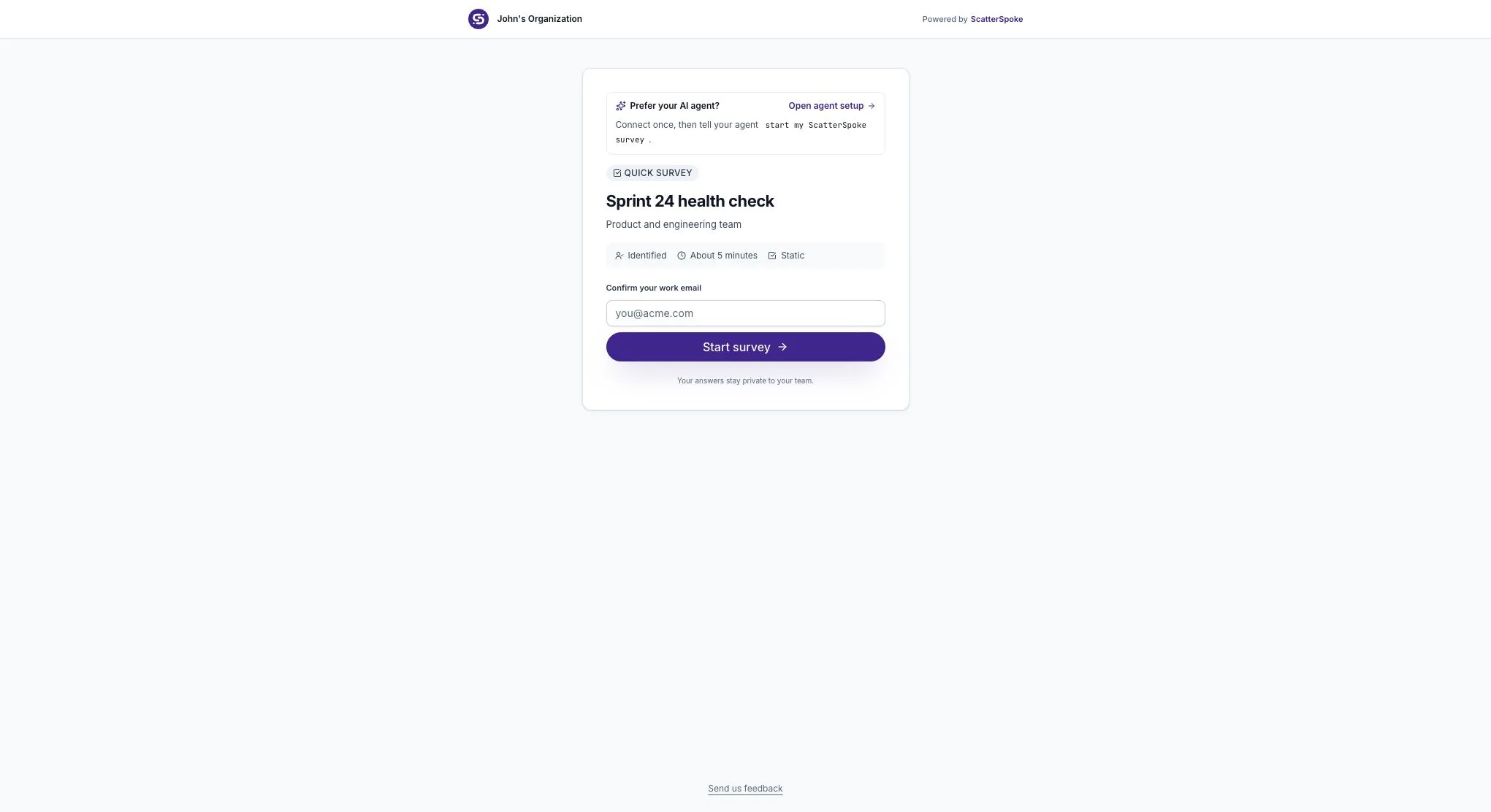
Section titled “What verification tells you”On a verified reusable survey link, a participant enters an email address and follows the verification link sent there. This shows that they can receive mail at that address.
It does not prove their job role, membership in your company directory, or that one person controls only one address. It is not a guarantee that an answer is accurate.
Why workspace SSO is separate
Section titled “Why workspace SSO is separate”A Seat Holder signs in to the workspace to build surveys or review results. A Participant answers through the survey’s access link and does not need a paid seat.
Turning on workspace SSO does not automatically apply your identity provider’s policies to survey participants. Do not treat an SSO-enabled workspace as proof that every response came from your directory.
A shared link can be forwarded. If your audience must be restricted, review the available distribution controls and access requirements before sending it. Email verification alone is not an allowlist.
When the email gate appears
Section titled “When the email gate appears”The gate depends on how the survey link was issued:
- A verified reusable link asks for email verification unless the browser already has a valid participant session.
- A link bound to a specific recipient can recognize that recipient from its token.
- Preview links skip the verification flow.
- Anonymous collection uses different identity settings.
Recipient links should be kept by their intended recipient. Forwarding one can allow another person to respond under the identity attached to it.
Returning to a survey
Section titled “Returning to a survey”A remembered participant session can avoid repeated verification in the same browser. A different browser or cleared browser data may require verification again.
Survey verification links last 24 hours; emailed resume links last seven days. The survey’s own open state and access expiration still apply. An old verification link does not reopen a closed survey.
Verification and reporting privacy
Section titled “Verification and reporting privacy”Whether a participant verifies an email and whether their identity appears in reporting are separate questions. Check the survey’s actual collection settings before telling participants that answers are anonymous.
See The participant experience and Share a survey for the complete response and access flow.