

The Ask Pool and usage
Ask draws on a shared workspace allowance rather than per-person limits — here is how the Ask Pool is made up, how it is spent, and what happens when it runs out.
The Ask Pool is your workspace’s shared allowance for questions in Ask. Each query uses one unit. Everyone who uses Ask draws from the same pool.
Check the balance
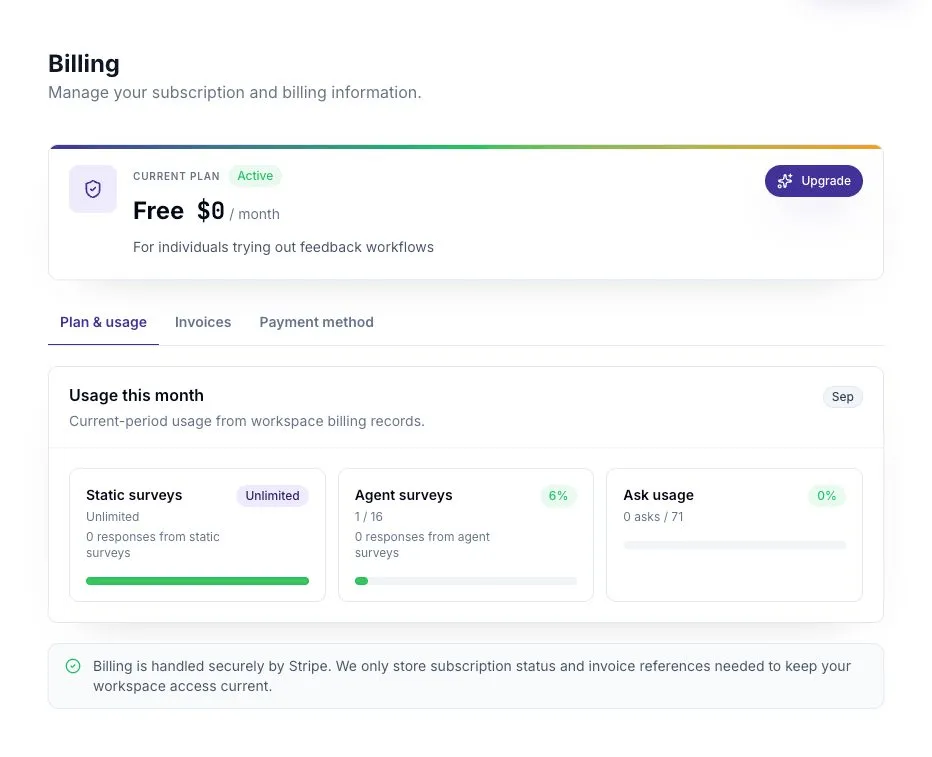
Section titled “Check the balance”Look at the balance in the Ask header. Open Billing for the allowance and credit details.
What the pool is made of
Section titled “What the pool is made of”| Plan | Included Ask queries per month |
|---|---|
| Free | 0 |
| Pro | 250 |
| Business | 2,000 |
| Enterprise | 5,000 |
The pool also includes available Ask credits. New workspaces receive 50 one-time signup credits, so a Free workspace can try Ask even though it has no monthly allowance. Additional Ask packs contain 250 credits.
Included allowance resets each calendar month. Unused purchased credits carry over until spent. Ask uses included allowance before purchased credits.
When the pool is empty
Section titled “When the pool is empty”Existing threads remain readable, but new questions are unavailable. Ask shows Buy Ask credits and links to Billing. A workspace administrator can review the options there.
If your plan includes monthly queries, check the next reset date before deciding whether to buy more. Agent Survey credits are separate and cannot be used as Ask queries.
If Ask pauses despite a remaining balance
Section titled “If Ask pauses despite a remaining balance”Read the message in the app. A temporary AI usage limit can pause generation even while Ask credits remain. If it gives a reset time, try again after that time; buying Ask credits does not remove this separate limit.
If the problem continues, note the exact error and when it happened. Keep your question in a note before reloading so you can try it again.
Use queries effectively
Section titled “Use queries effectively”Choose your sources before sending a question. State the team, time period, and decision you are working on. Follow up in the same thread when you need clarification.
For example: “From this sprint’s retro, list the main blockers, cite the supporting cards, and suggest one change we can test next sprint.”