

Single sign-on
How SAML single sign-on works in ScatterSpoke — which plans include it, what enforcement changes, and who it does and does not cover.
Single sign-on (SSO) lets Seat Holders sign in to ScatterSpoke through your own identity provider rather than with a ScatterSpoke password. ScatterSpoke acts as a SAML 2.0 service provider; your identity provider (IdP), such as Okta or ADFS, checks the person’s identity and its access policies. Workspace membership, roles, and seat capacity still apply in ScatterSpoke.
Which plans include it
Section titled “Which plans include it”| Plan | SSO |
|---|---|
| Free | Not available |
| Pro | Not available |
| Business | Available as a paid add-on |
| Enterprise | Included |
On Business, SSO is off until someone with admin access buys the SSO add-on from Settings → SSO. It is a flat recurring charge per workspace — not per seat — and it follows your existing billing interval. Adding it bills a prorated amount immediately and then renews with your plan; removing it issues a prorated credit and turns SSO off straight away.
Enterprise workspaces have SSO without the add-on, and the purchase option never appears.
Free and Pro workspaces see an upgrade prompt on the SSO page instead of the purchase option.
What configuring SSO involves
Section titled “What configuring SSO involves”Open Settings → SSO with administrator access. You also need an administrator for your identity provider.
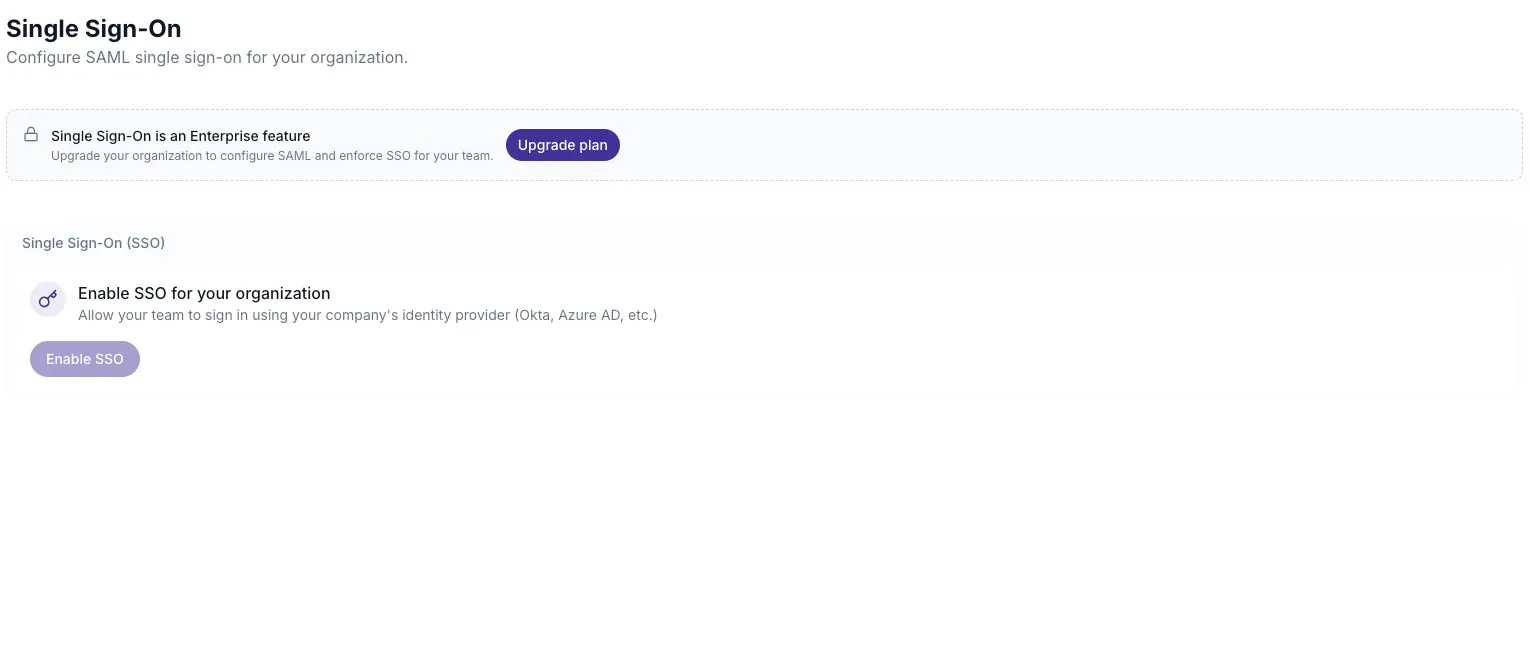
The page works in two halves. First, ScatterSpoke gives you two values to paste into your IdP: an Entity ID / Issuer and an ACS / Callback URL, both derived from your workspace ID. Second, you give ScatterSpoke your IdP’s details, three ways:
- Upload the IdP’s
metadata.xml - Fetch it from a metadata URL
- Enter the SSO URL (entry point) and X509 certificate by hand
Importing metadata fills the URL and certificate fields. Check them before saving.
Attribute mapping
Section titled “Attribute mapping”The mapping fields tell ScatterSpoke where to find the person’s email and name in the sign-in response:
- Name field and Email field, both defaulting to
nameID - Family name field, optional
- Name transform method — how a display name is derived: extract it from the email, take the first word of the name field, use separate first and last name fields, or use the whole name field as the first name
If your IdP only sends an email address, the defaults work: the email becomes the name, and the transform extracts the part before the @.
Enforcement
Section titled “Enforcement”Once a provider is configured, an SSO Enforcement card appears with a single toggle: enforce SSO for all users. With it on, Seat Holders must sign in through your IdP and password login is disabled.
There is an exception: organization administrators can still use password login as a recovery mechanism. Protect those accounts with two-factor authentication, and test the recovery sign-in before enforcing SSO.
Configuring, changing, or removing SSO is recorded in the audit log.
What signing in looks like
Section titled “What signing in looks like”The login screen asks for an email address first. If that email’s domain has an SSO provider registered, the sign-in continues at your IdP; otherwise the password field appears. There is also an explicit Continue with Okta SSO button, which uses whatever email is already in the field.
Social sign-in with Google, Microsoft, and GitHub is separate and available on every plan — it is convenience, not SSO. It does not configure ScatterSpoke’s workspace SAML enforcement.
What SSO does not cover
Section titled “What SSO does not cover”Survey participation uses a separate access flow. A person does not need workspace access just to answer a survey, so workspace SSO does not control survey access. Their identity is established by participant verification, which is a different mechanism with different guarantees.
SSO also does not replace account-level protection for anyone still signing in with a password — an admin using the recovery path, for instance. Two-factor authentication and passkeys remain worth having.