

Signal events and evidence
Review a signal event, check its supporting feedback, and decide whether it needs action.
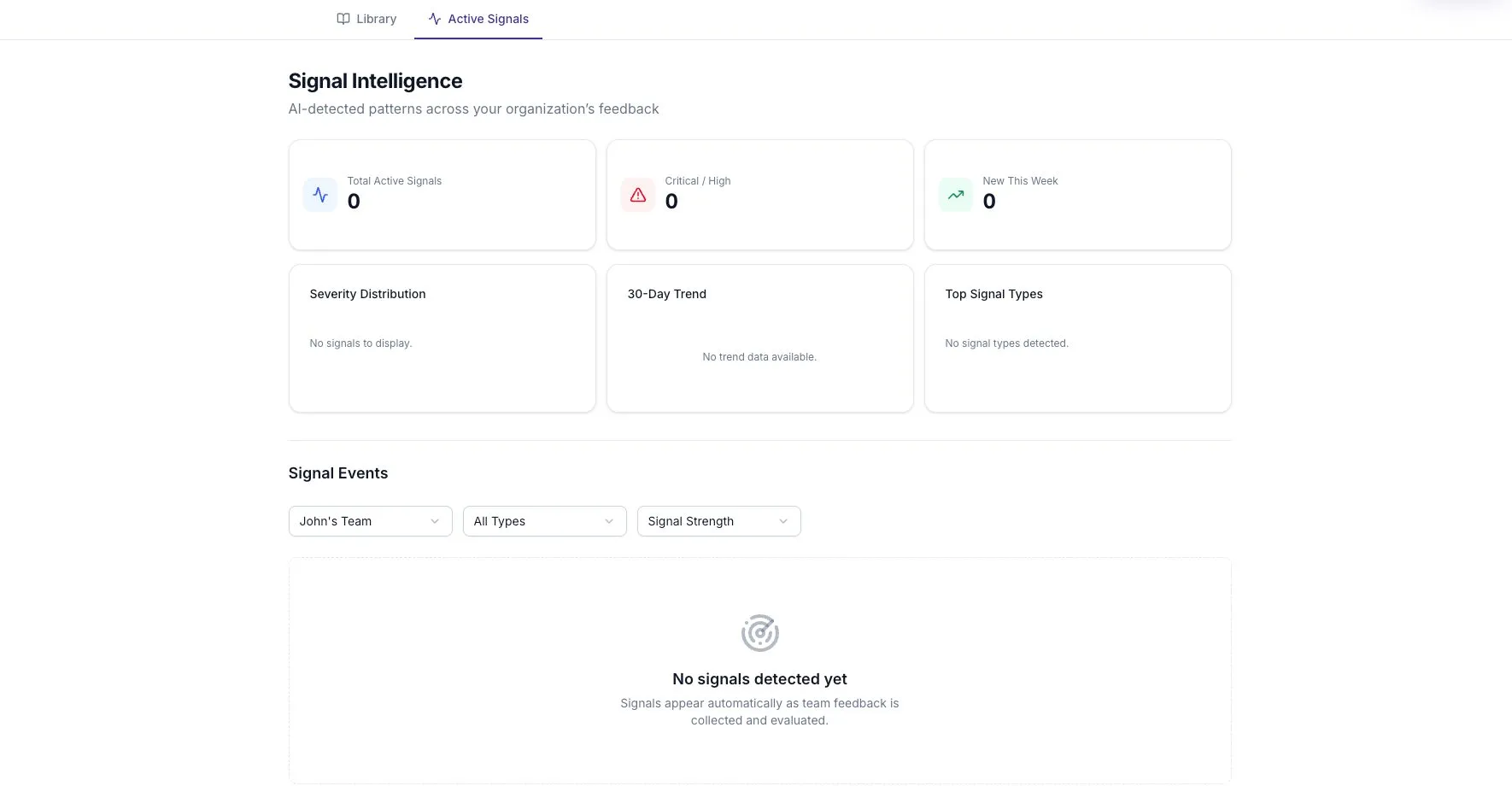
A Signal Event connects a detected pattern to the feedback behind it. Open Signal Intelligence, choose the relevant team, and select an event.
Find the right event
Section titled “Find the right event”Use Filter by team and Filter by signal type to narrow the list. Sort by Signal Strength, Severity, or Most Recent depending on what you are reviewing.
If no events appear, check the filters and the Signal Catalog. A rule can be enabled without having enough supporting feedback to produce a finding.
Read the metrics
Section titled “Read the metrics”| Metric | Meaning | How to use it |
|---|---|---|
| Detections | How often the rule has matched while the event is active | Check whether the pattern keeps recurring |
| Confidence | The model’s score for the finding | Read alongside the source evidence |
| Evidence | The supporting feedback entries | Check how broad the source base is |
| First Seen | When the event first appeared | Understand how long it has been open |
| Last Detected | When the pattern was most recently found | Check whether it is still current |
Detections are not people. Twelve detections from three entries do not mean twelve participants reported a problem.
Repeated matches update the active event for the same rule and team. Confidence and severity can retain their earlier high values, so a high label does not necessarily mean the latest feedback got worse.
Inspect the source entries
Section titled “Inspect the source entries”Expand the evidence from the list or read it in the event details. Survey evidence can show the original question beside the response, which helps you interpret a short answer.
Evidence entries omit author attribution in this view. However, the text itself may contain identifying details. Do not assume that removing a name makes a quote safe to share with any audience.
Some source entries may no longer be available after deletion or retention cleanup. Treat that as a limit on what you can verify.
Record an action
Section titled “Record an action”Add an action on the signal detail page. Use a specific title, such as Try a daily code review window for one sprint, rather than Fix blockers.
Actions move through Open, In Progress, and Resolved. Record who will do the work and when the team will review it. Actions can remain after the signal is archived.
Revisit the finding
Section titled “Revisit the finding”An event that is not detected again for seven days leaves the active view. That is not confirmation that your action solved the problem. Ask for follow-up feedback and review the outcome.
Review feedback and choose an action provides a practical routine for this step.