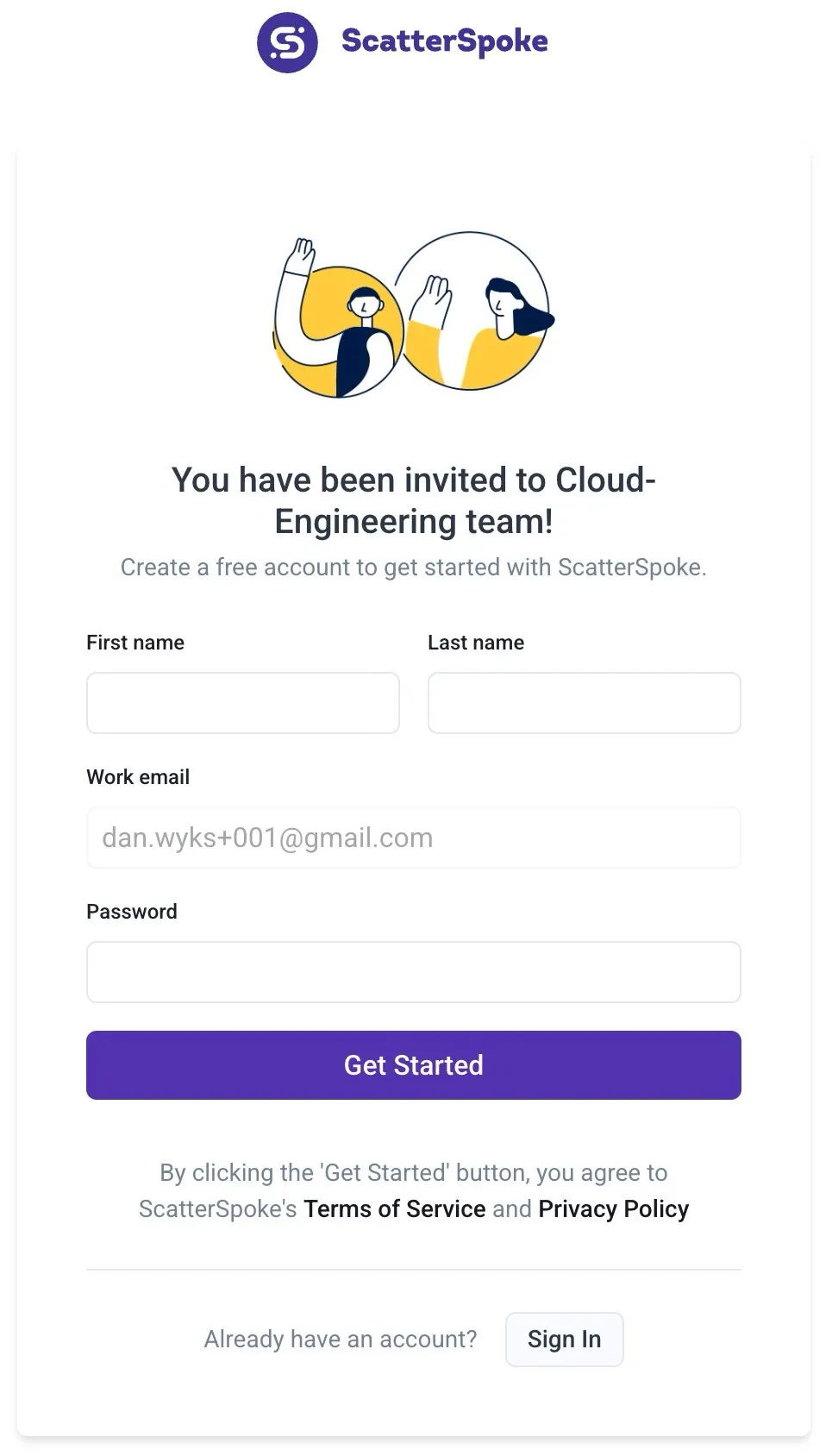
How to Register as a New User
Congratulations! You’ve been invited to join your team in ScatterSpoke. Here’s how to register as a new user using your email and password to sign in.
Step 1
Section titled “Step 1”Click the Join [TEAM NAME] button in your invite email.
Step 2
Section titled “Step 2”Choose “Use email and password” as your sign in method.

Step 3
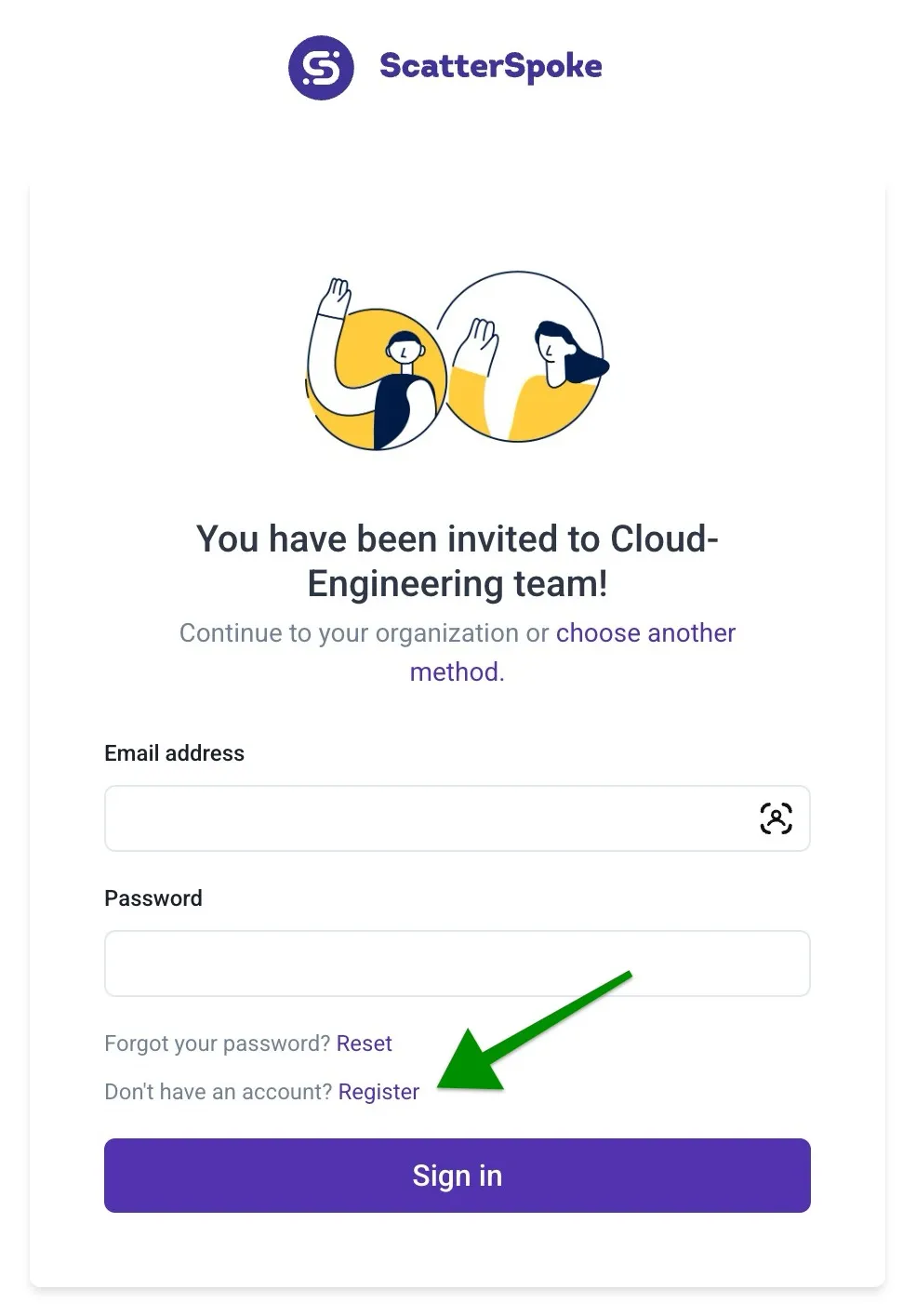
Section titled “Step 3”Click the Register link on the Sign in page.
Step 4
Section titled “Step 4”Enter your First name, Last name, and Password. Then click the Get Started button.